01
Paste study text
The learner starts from a passage, note, or topic instead of a blank chat box.
A Burmese-first learning app that turns study text into step-by-step lessons, runs locally on the device, and keeps the experience simple for learners.
The goal is straightforward: give people a tutor that explains difficult topics in Burmese without needing a subscription, an API key, or constant internet access.
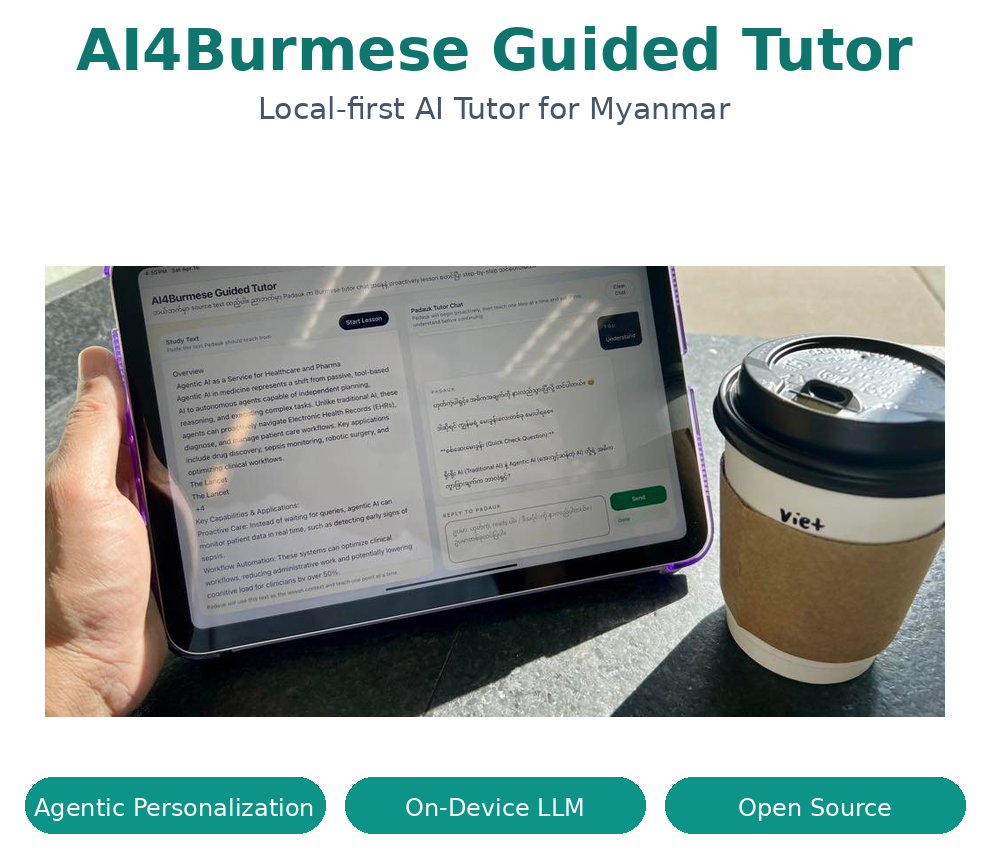
The project page keeps the top image as a quick visual summary, while the technical note goes deeper into the build.
Education should not be gated by language, connectivity, or a paid account. This project is built around that idea: give learners a clear Burmese explanation that starts from their own material and moves at a manageable pace.
The result is a tutor that feels calm and direct. It does not try to be everything. It starts from a topic, stays with the topic, and gives the learner a step they can actually follow.
This is the basic lesson loop: the learner gives the tutor material, the tutor builds context, and the conversation moves one idea at a time.
The learner starts from a passage, note, or topic instead of a blank chat box.
The tutor grounds the session in the source material and keeps the topic focused.
The model explains a single point at a time so the lesson stays easy to follow.
The tutor waits for a learner reply before moving to the next step.
The flow loops until the learner has enough clarity to move on.
The video below shows the original working flow on the device. If you want the implementation details, the technical note explains the runtime and prompt structure.
The full technical write-up is available in the blog article.
The implementation stays lightweight. Flask serves the app, a local OpenAI-compatible model runtime handles generation, and the browser receives streamed output so the lesson feels responsive.
The key design choice is the tutoring contract: keep the explanation close to the learner's material, move one idea at a time, and let the conversation continue only after the learner responds.
The local laptop version is already available and is the version this page points to most directly.
A simple web link is available so non-technical users can try the idea without setup.
A mobile version is planned, with the same Burmese-first learning goal in mind.
Source code
Local startup scripts, backend flow, and the implementation behind the tutor.
Read the blog article
A deeper technical note with flow, runtime details, and the lesson contract.
Padauk project page
The practical Burmese assistant layer in the same ecosystem.
Burmese GPT project page
The language foundation that supports the broader Burmese AI stack.